Why upgrading to a dedicated thermal label printer was one of the best decisions I made for my small business.
For longer than I care to admit, my shipping routine looked like this: print the label on regular copy paper, carefully cut it down with scissors, fold it into a plastic sleeve, and tape the whole thing to the box. Every single order. It worked, technically. But it was slow, messy, and honestly a little embarrassing when orders started picking up.
If any part of that sounds familiar, keep reading — because switching to a dedicated thermal label printer changed my workflow in ways I didn’t fully anticipate until it was already done.
The “Just Print It” Moment:
I’d been putting off the purchase for months, convinced it was overkill for my volume. I sell on both Etsy and eBay, usually somewhere between 20 and 50 shipments a week. Not huge numbers, but enough that wasting 3–5 minutes per label adds up to hours of lost time across a month.
The model I landed on was the POLONO 4×6 Thermal Label Printer — the grey version. It’s compact, no-frills, and came highly recommended in a few seller forums I follow. The price point felt reasonable for something meant to handle real business volume, and the specs lined up with what I needed.
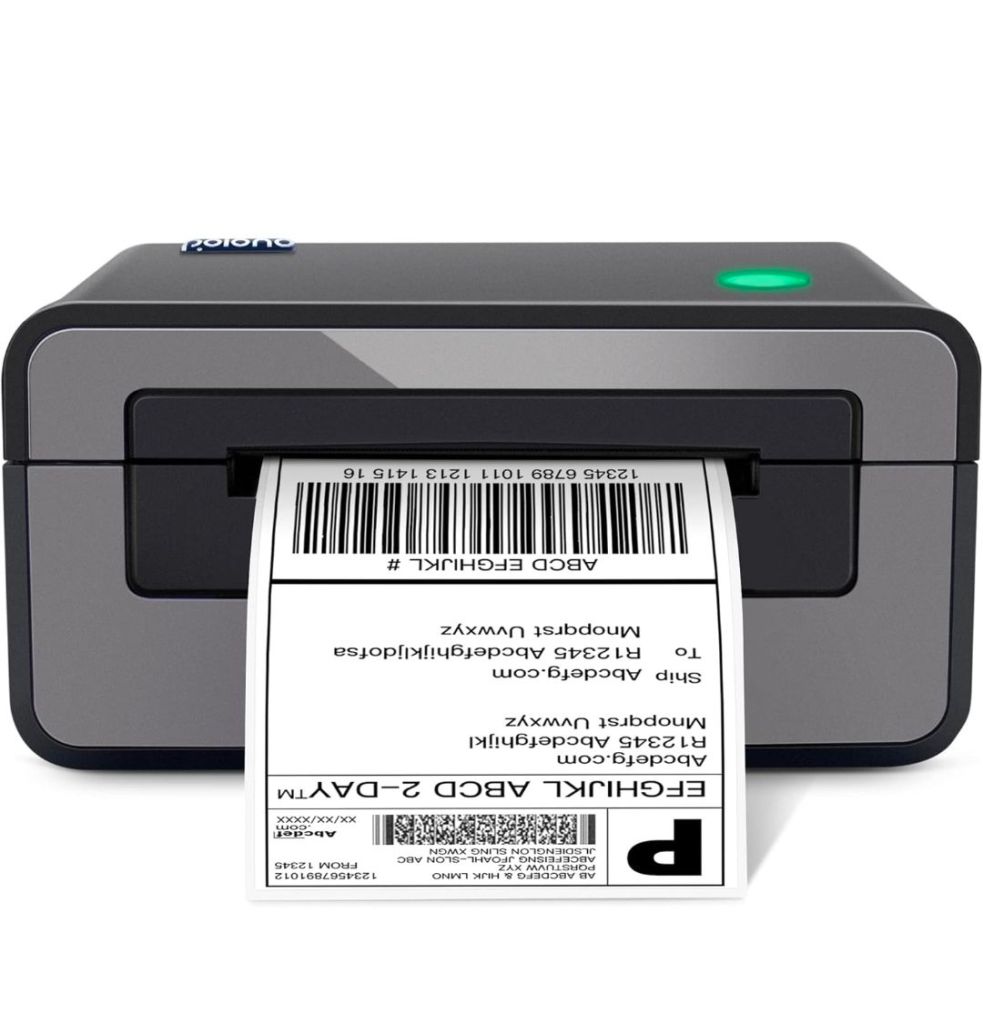
“Why did I wait so long to have one of these? This thing prints fast and saves me so much time and money.”
That quote isn’t mine — it’s from a real customer review — but I felt it in my soul the first morning I used it.
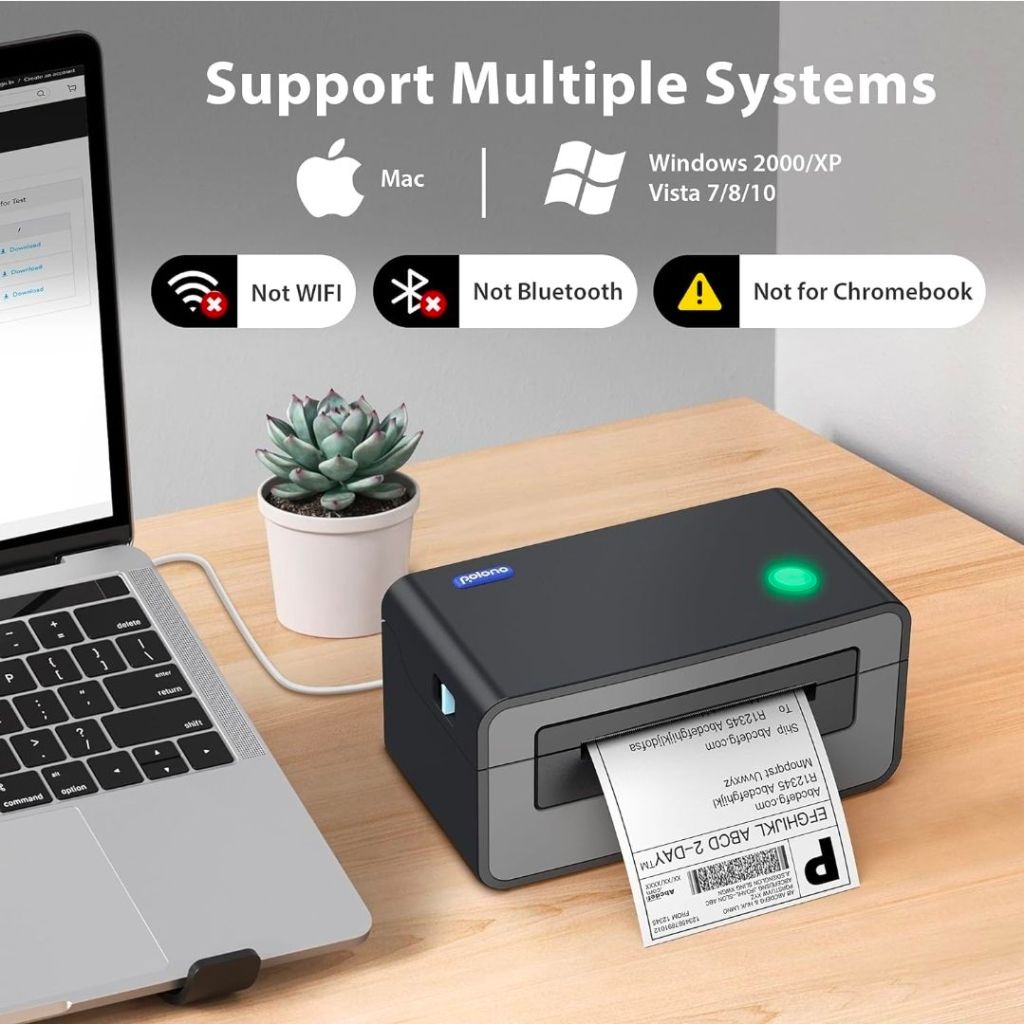
Setup Was Genuinely Easy
I’ll be honest: I was braced for a frustrating driver installation experience. It didn’t happen. The printer ships with a USB drive that includes drivers for both Windows and Mac. I’m on Mac, plugged it in, installed the driver, loaded the included sample labels, and was printing within about ten minutes of opening the box.
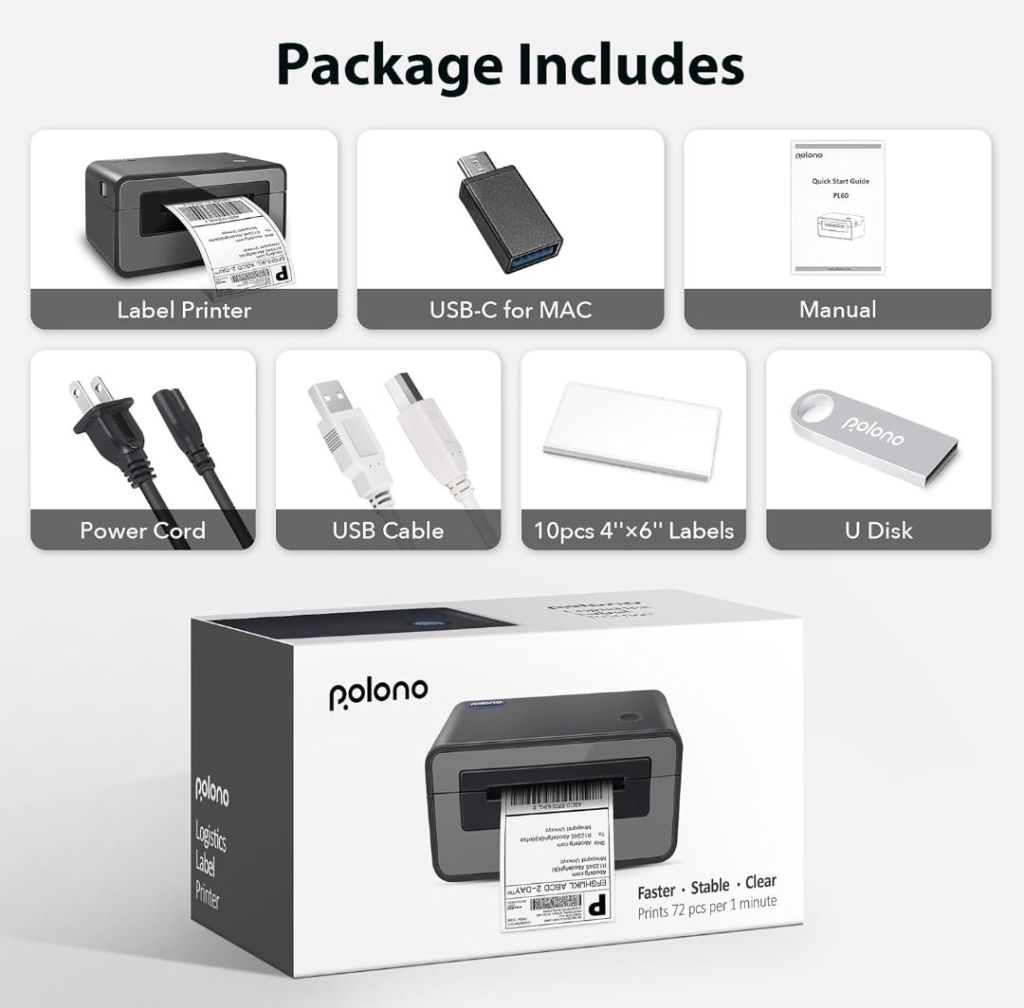
There’s also a paper roll holder included, which I appreciated — one less thing to figure out separately.
One feature I didn’t expect to love: the automatic label detection. Hold the button on top, the printer self-calibrates, and it figures out your label size on its own. No fiddling with settings every time you switch label rolls. It just works.
✅️ No ink, toner, or ribbon — ever
✅️ Prints up to 72 labels per minute at 203 DPI
✅️ Compatible with Amazon, eBay, Etsy, Shopify, FedEx, USPS, DHL, UPS, and more
✅️ Works with Windows and Mac out of the box
✅️ Supports label widths from 1.57″ to 4.65″ — not just 4×6
✅️ Automatic label detection and self-calibration
✅️ Compact footprint — small enough for a crowded desk.
The No-Ink Thing Is a Bigger Deal Than It Sounds
Thermal printing means no cartridges, no toner, no ribbon. The heat-sensitive paper does all the work. I cannot overstate how nice it is to never think about ink levels again. With a regular inkjet, I’d occasionally start a printing session only to realize mid-batch that the black cartridge was running low, causing streaky, unreadable barcodes. With thermal, that’s simply not a concern.
The print quality is sharp and consistent — barcodes scan cleanly every time, which matters when carriers are scanning labels at high speed. I’ve had zero issues with unreadable labels since switching.
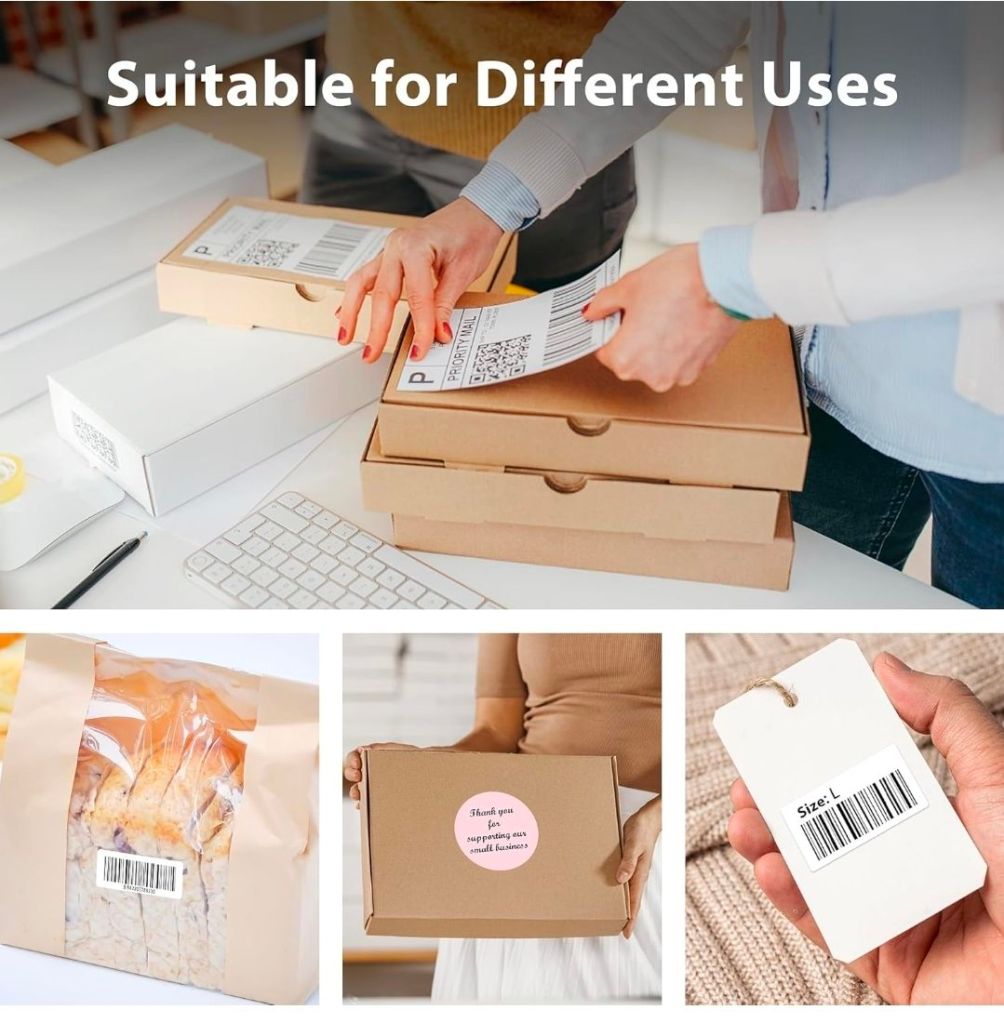
Pro tip: If you’re shopping for compatible labels, POLONO’s own 4×6 thermal labels are BPA and BPS-free and are rated to print up to 300,000 labels over the printer’s lifespan. They also come in both roll and fanfold formats — fanfold is great if you want to avoid swapping rolls as often.
Platform Compatibility — It Covers the Bases
One concern I had before buying was whether it would play nicely with every platform I use. The short answer is yes. Etsy labels, eBay labels, Amazon labels, even PayPal shipping — I download the PDF, open it, hit print, and the label comes out perfectly formatted at 4×6. No rescaling, no cropping issues. The same goes for USPS Click-N-Ship and FedEx’s shipping portal. If you’re a multi-platform seller, this is a genuine convenience.
Returns are also much smoother now. I used to dread emailed return labels because of the cutting-and-taping routine. Now it’s download, print, peel, stick. Thirty seconds, maybe less.
· · ·
Is There a Learning Curve?
Barely. The main thing to know upfront is that you’ll want to download the printer driver from POLONO’s site or the included USB before you start — don’t just plug it in and assume it’ll auto-install. Once that’s done, the setup is genuinely quick. A few reviewers mentioned it took a little trial-and-error to get the page size set correctly in their operating system’s print settings, but once configured, it stays configured.
The printer is also quieter than I expected. Not silent, but it doesn’t rattle around the room the way I imagined a “commercial-grade” machine might.
The Bottom Line
If you’re shipping more than a handful of packages a week and still using a regular printer with tape, you’re spending real time on something that can be almost entirely automated. The POLONO 4×6 isn’t flashy — it’s grey, boxy, and purely functional — but that’s exactly what you want from a tool like this. It does one thing, and it does it fast and reliably.
For small business owners selling on Etsy, eBay, Shopify, or Amazon, it’s one of those purchases you’ll wonder why you waited on. I know I did.
Ready to simplify your shipping workflow? The POLONO Thermal Label Printer is available on Amazon.
Affiliate Disclosure:
This article contains affiliate links. If you make a purchase through these links, I may receive a small commission at no additional cost to you. As an Amazon Associate, I earn from qualifying purchases. All opinions are my own.
 Ania's Finds
Leave a comment