If you’ve followed me for any amount of time, you know I’ve tried every planner app, every bullet journal method, every “just use a spreadsheet” hack out there. Some of it worked for a minute. Most of it fell apart the second a busy week hit — which, if you’re running a reselling business out of your house while keeping everything else afloat, is basically every week.
So I built the planner system I actually needed. Four printables that work together instead of fighting each other: a Daily Planner, a Weekly Overview, a Monthly Overview, and — the one I get asked about the most — a Reseller Inventory & Sales Tracker made specifically for people sourcing, listing, and shipping across multiple platforms.
Here’s a look at each one and how I actually use them.
Daily Planner: the page that keeps my day from running me
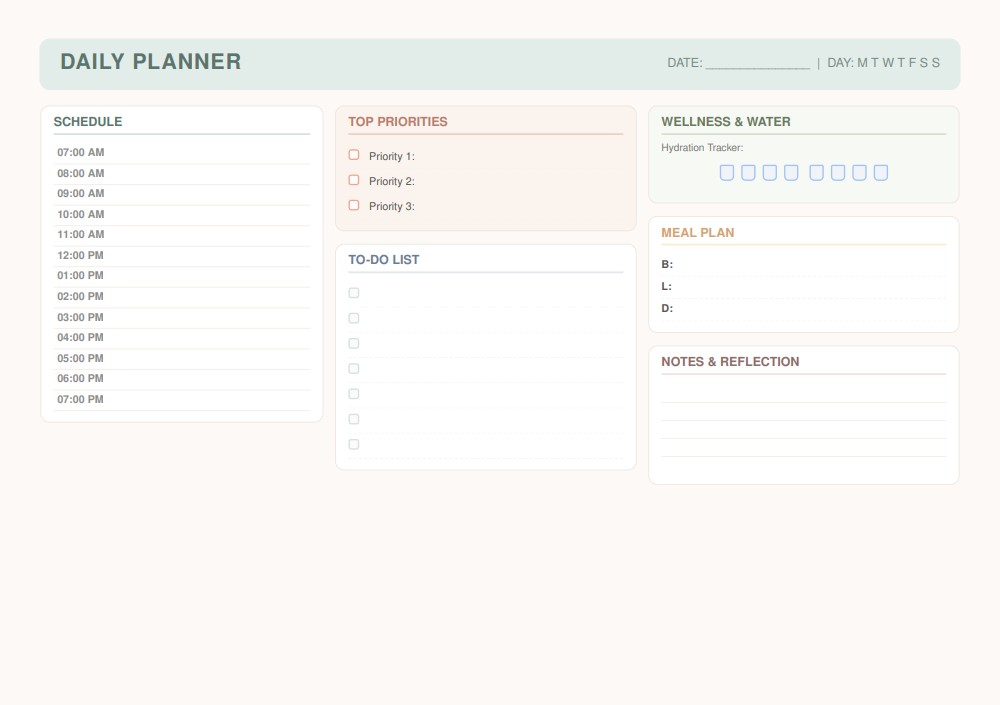
This is the page I fill out with coffee in hand before anything else happens. It’s split into a few zones:
- Schedule, hour by hour from 7 AM to 7 PM, so I can block out sourcing runs, photography time, and pickup windows the same way I’d block out a meeting
- Top Priorities, capped at three, because if everything’s a priority nothing is
- To-Do List for the smaller stuff that doesn’t need a time slot
- Wellness & Water with a hydration tracker (guilty of forgetting to drink water until 4 PM some days)
- Meal Plan for breakfast, lunch, and dinner, so dinner isn’t a 6 PM scramble
- Notes & Reflection at the end of the day
It sounds simple, but having schedule, priorities, and self-care on one page means I’m not bouncing between five apps just to figure out what today actually looks like.
Weekly Overview: the bird’s-eye view
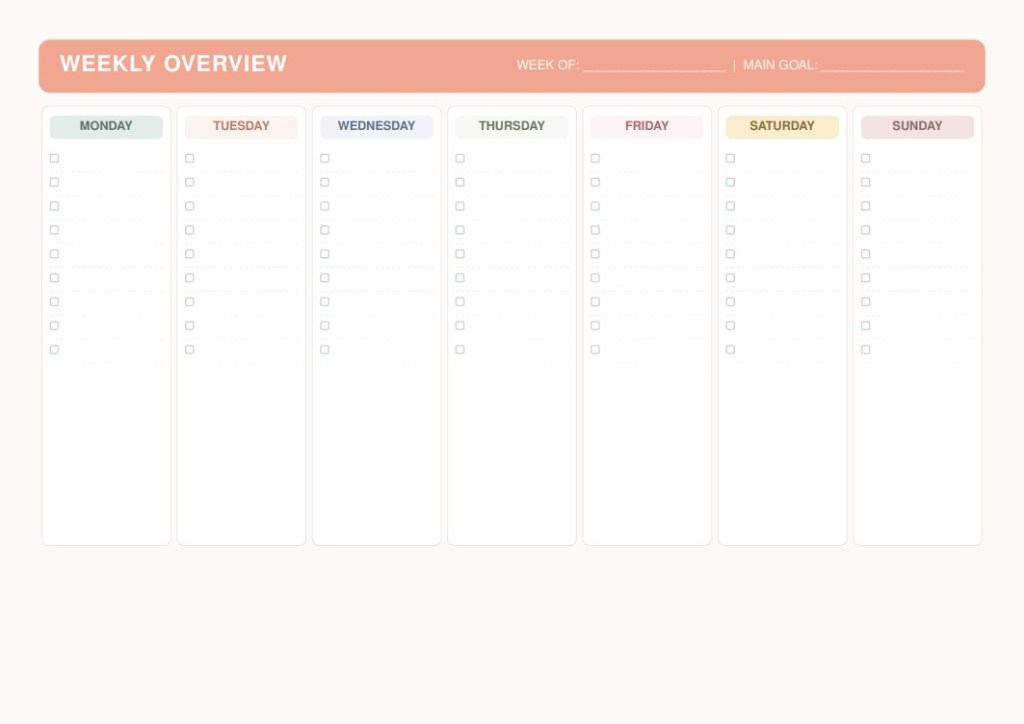
Once I’ve got my daily rhythm going, the Weekly Overview is where I zoom out. Each day gets its own color-coded column with a full checklist underneath, plus a spot at the top for my main goal of the week. I use this one on Sunday nights to map out what needs to happen across the whole week — listing goals, shipping deadlines, sourcing trips — before I get lost in the day-to-day.
Monthly Overview: goals, dates, and habits in one place
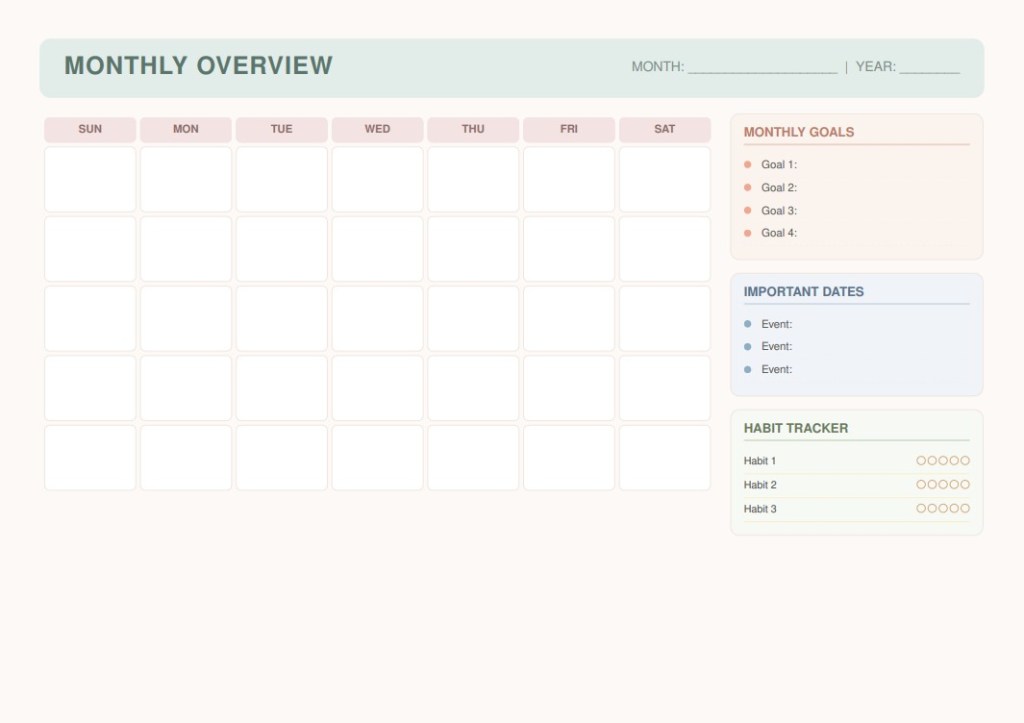
This is the planning session I do on the first of every month. The calendar grid covers the whole month at a glance, and the sidebar is where the real planning happens:
- Monthly Goals — I keep it to four so I actually finish them
- Important Dates — restock days, platform sale events, anything with a deadline attached
- Habit Tracker — three habits, tracked daily across the month
It’s the page that keeps the big picture from getting buried under daily to-do lists.
Reseller Inventory & Sales Tracker: the one built for this business
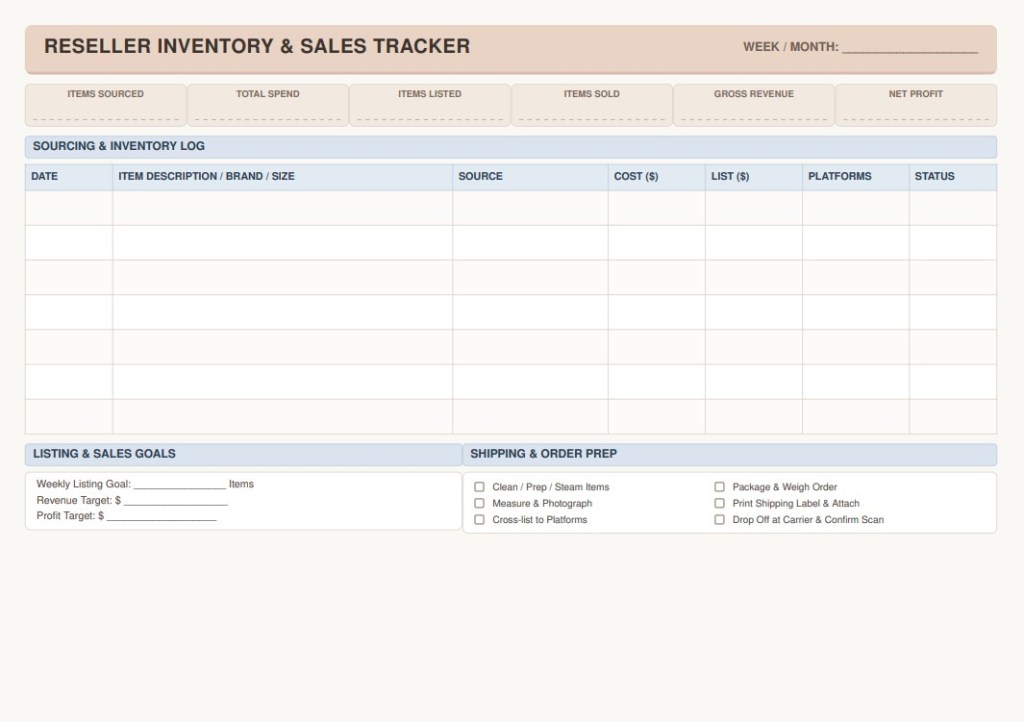
This is the page that doesn’t exist in a normal planner, because normal planners aren’t made for people running inventory across eBay, Poshmark, Mercari, Depop, and Etsy at the same time. At the top, there’s a quick snapshot row — items sourced, total spend, items listed, items sold, gross revenue, net profit — so I can see the health of my week in one glance.
Below that is the actual sourcing and inventory log, with columns for date, item description/brand/size, source, cost, list price, platforms, and status. Every thrift run, every flip, every “is this worth listing” decision gets logged right there instead of scattered across notes apps and gut feeling.
The bottom half splits into two sections that keep me accountable:
- Listing & Sales Goals — weekly listing goal, revenue target, and profit target, written down instead of just floating around in my head
- Shipping & Order Prep — a checklist for cleaning/prepping, measuring/photographing, cross-listing, packaging, printing labels, and dropping off at the carrier
If you’ve ever lost track of what you paid for something versus what you sold it for, this page alone will save you.
Why I built it this way
None of these pages work in isolation — that’s the point. The daily page keeps me moving, the weekly page keeps me aimed in the right direction, the monthly page keeps me honest about the bigger goals, and the inventory tracker keeps the actual business side of reselling from living in my head (where it definitely will get lost). Together, they cover the whole loop: plan the day, plan the week, plan the month, track the money.
If you’re a fellow reseller or work-from-home mom juggling ten things at once, I’d love to hear what’s missing from your current system — I’m always tweaking these based on what actually gets used versus what just looks pretty in a photo.
Ready to streamline your routine and boost your profits? You can grab this complete set of printable daily, weekly, monthly, and reseller tracker templates right now in our Etsy shop. Simply download, print them at home, or upload them to your favorite digital planning app to get started today!


Leave a Reply